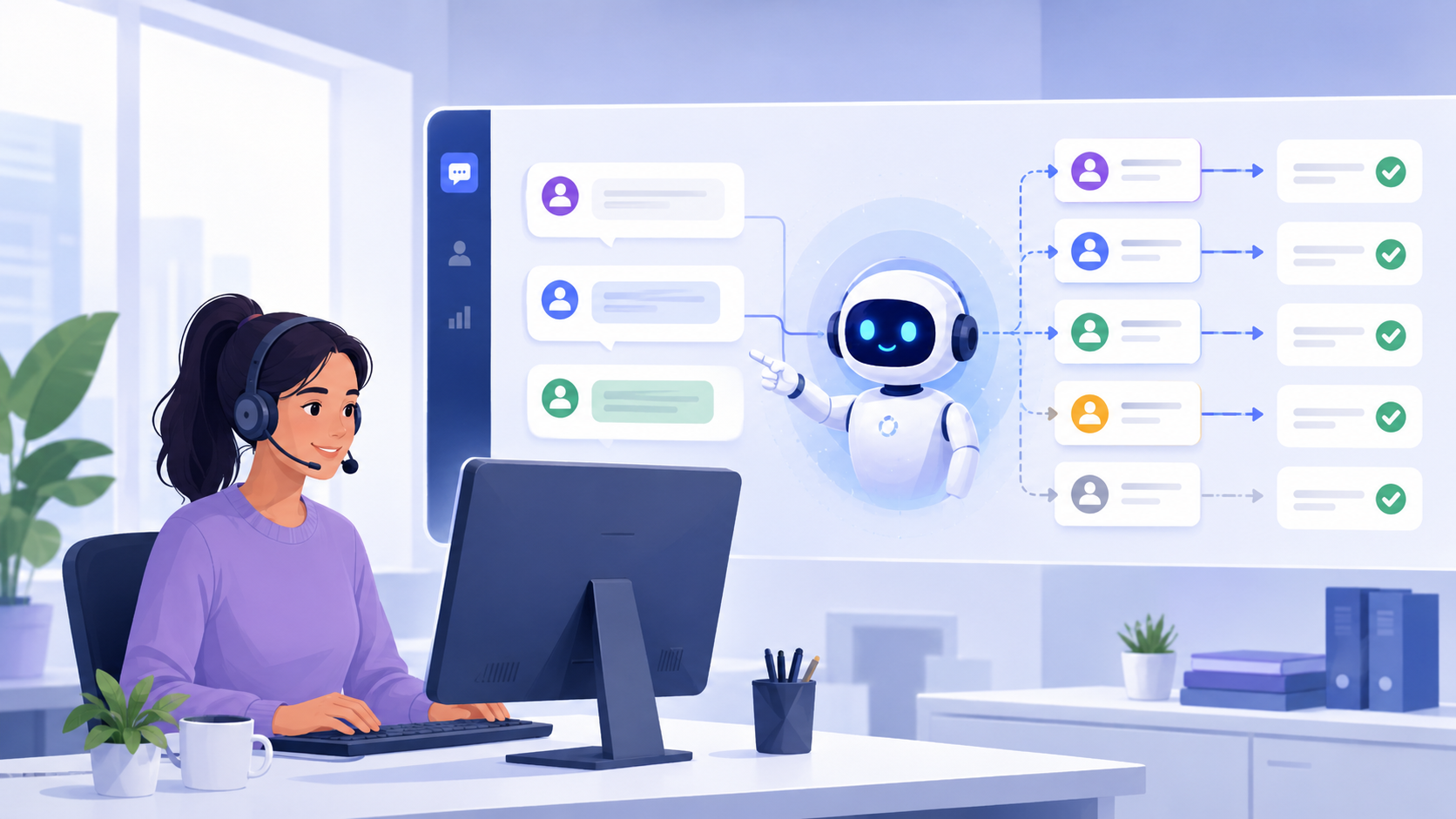
Emily Parker is exactly the kind of ideal client every product team wants: always available and always ready to share feedback. Her company’s employees were among the first to ask for an AI helper for first-line support. When we developed the AI Assistant in Upservice, we immediately added it to their account.
We will not go into how operators process requests in Service Desk or how they found our system a year ago. Let’s focus only on their feedback about the AI Assistant for support.
We will not go into how operators process requests in Service Desk or how they found our system a year ago. Let’s focus only on their feedback about the AI Assistant for support.
Client company information
- Client: Emily Parker, Head of Technical Support
- Company industry: Office equipment service and maintenance: printers, multifunction devices, scanners
- Team: 8 technical support employees
- Goal: Reduce the workload on the first line of support and speed up customer responses
- Frequently used features: Telegram and WhatsApp channels, AI Assistant, mobile app, employee performance reports
- Before Upservice: Requests in messengers, Excel spreadsheets, and personal chats
What things looked like before the AI Assistant was introduced
As a reminder, Emily’s company was already using Upservice. The entire first line of support was essentially doing the same work every day: sending instructions to customers, searching for the right PDF documents, and answering the same questions over and over again. At some point, even response templates were no longer enough to handle the workload.
“Simple questions were taking more time than actual field visits or complex cases. The team was burning out, and I couldn’t clearly understand who needed to be assigned where first,” Emily recalls.
The company’s employees contacted Upservice support with a request: “Can you build something that can answer customers for us — almost like templates, but not like a soulless bot?”
That is how the AI Assistant appeared a couple of months later.
That is how the AI Assistant appeared a couple of months later.
How the AI Assistant became part of the team
It all started simply: documents with instructions, a list of frequently asked questions, website links, and the internal knowledge base were uploaded to the assistant. Then it was enabled for Telegram, WhatsApp, the website chat, and email.
The AI Assistant started replying to messages on its own. If it understood the question, it gave a detailed and clear answer. If it did not know how to respond, it transferred the request to a real employee.
The AI Assistant started replying to messages on its own. If it understood the question, it gave a detailed and clear answer. If it did not know how to respond, it transferred the request to a real employee.
“What impressed me was that we didn’t need to write complex scripts. You just upload the information that has already been collected over the past 8 years, and it answers properly,” says Emily.
What changed one month after adding the AI Assistant to the support team
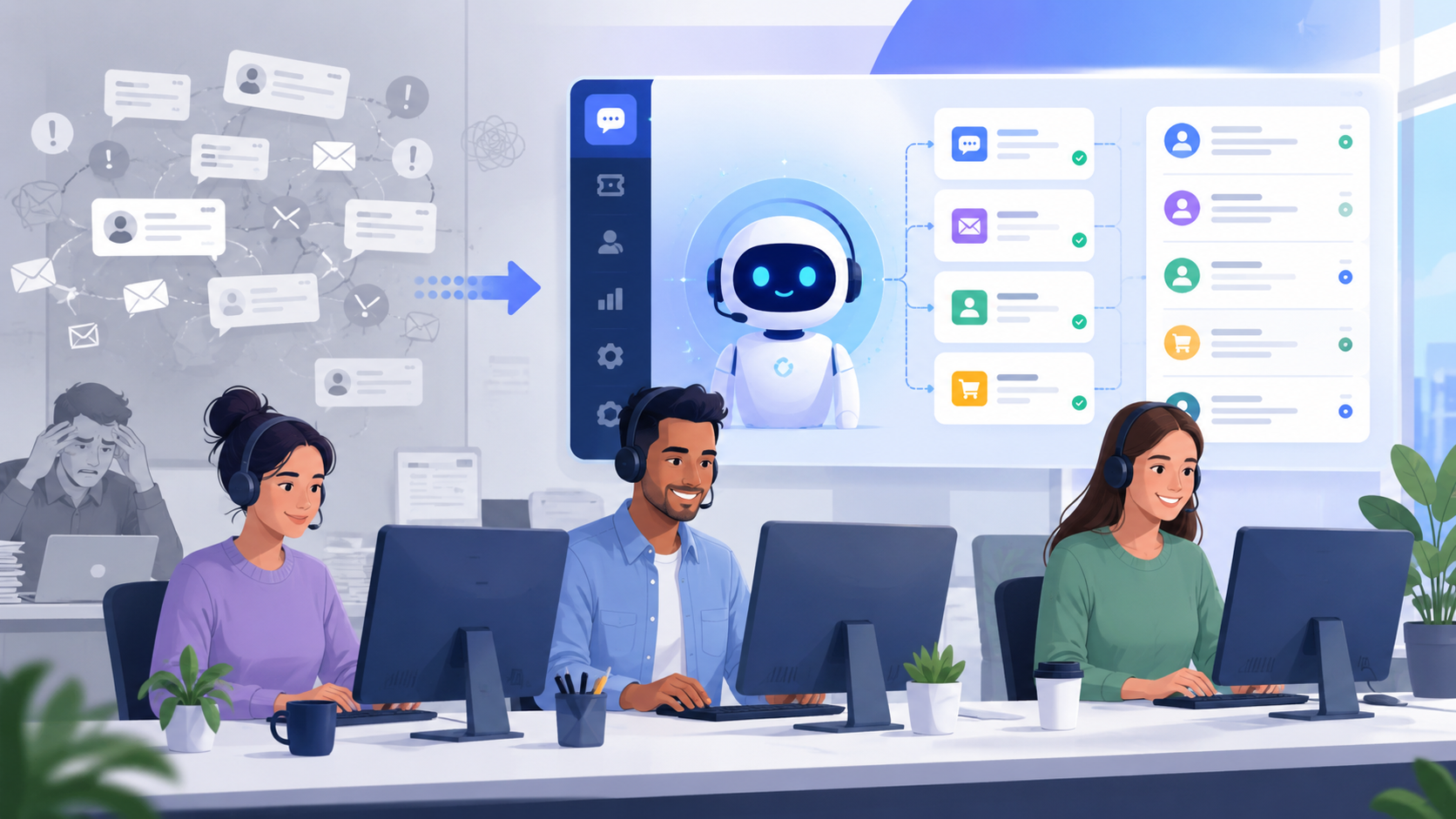
- On average, 75% of requests are resolved directly by the AI Assistant;
- Employees finally focused on technical tasks instead of template replies and endless message threads;
- First response time dropped from 15 minutes to 1 minute;
- The risk of SLA violations decreased simply because the assistant replies instantly.
“I was really worried about the team’s condition with such a growing workload. Now I can see that it has become much more comfortable for them to work.”
What’s next
- Connect the AI Assistant to internal request channels between departments.
- Start using analytics to understand which topics are repeated most often.
Want the same results?
If your support employees are burning out from repetitive questions and the number of requests keeps growing, you can already test the Upservice AI Assistant. It works directly inside the system, does not require a developer for setup, and becomes part of the team right after instantly processing the information you provide.