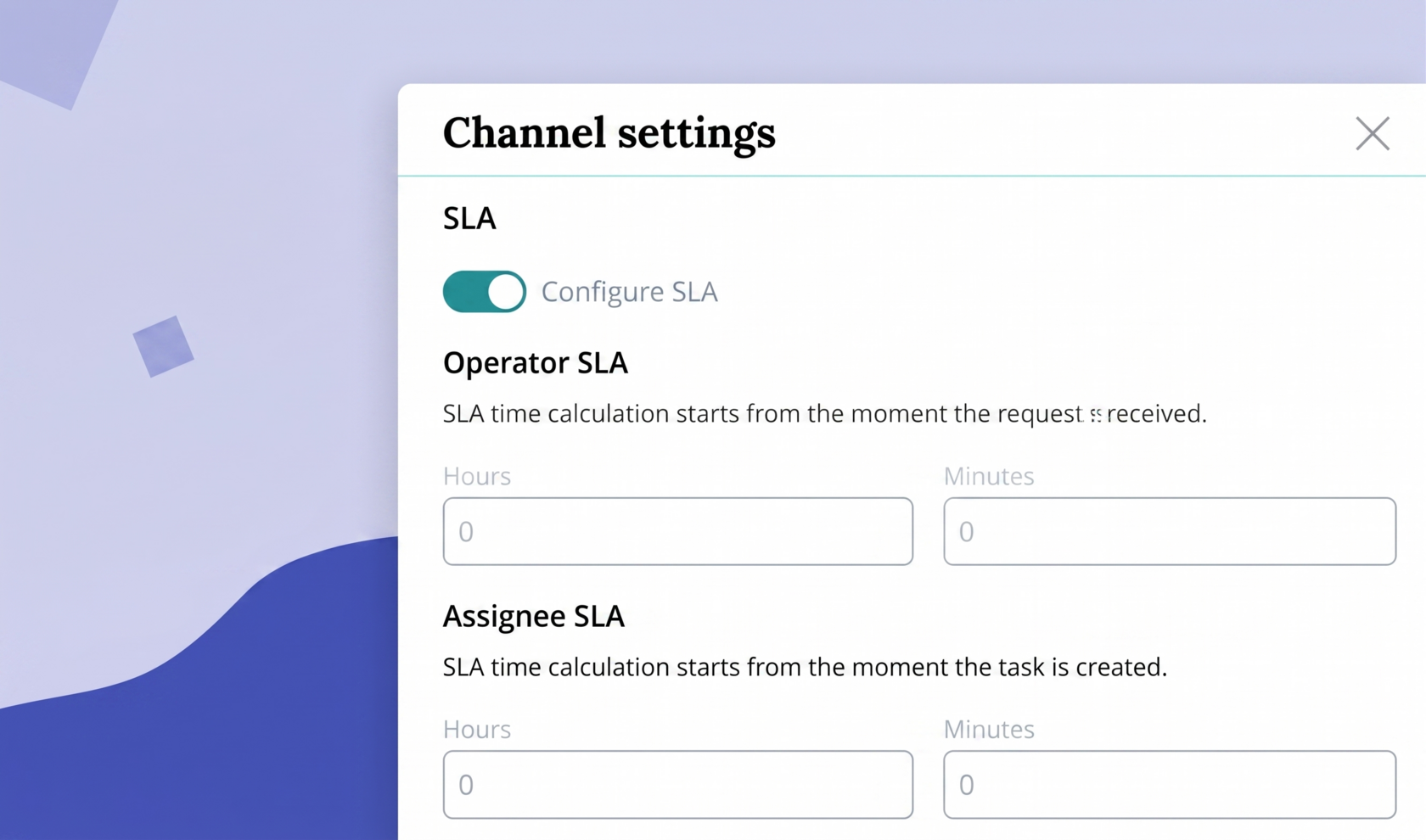
When connecting communication channels in Upservice, a channel administrator may encounter such a concept as SLA.
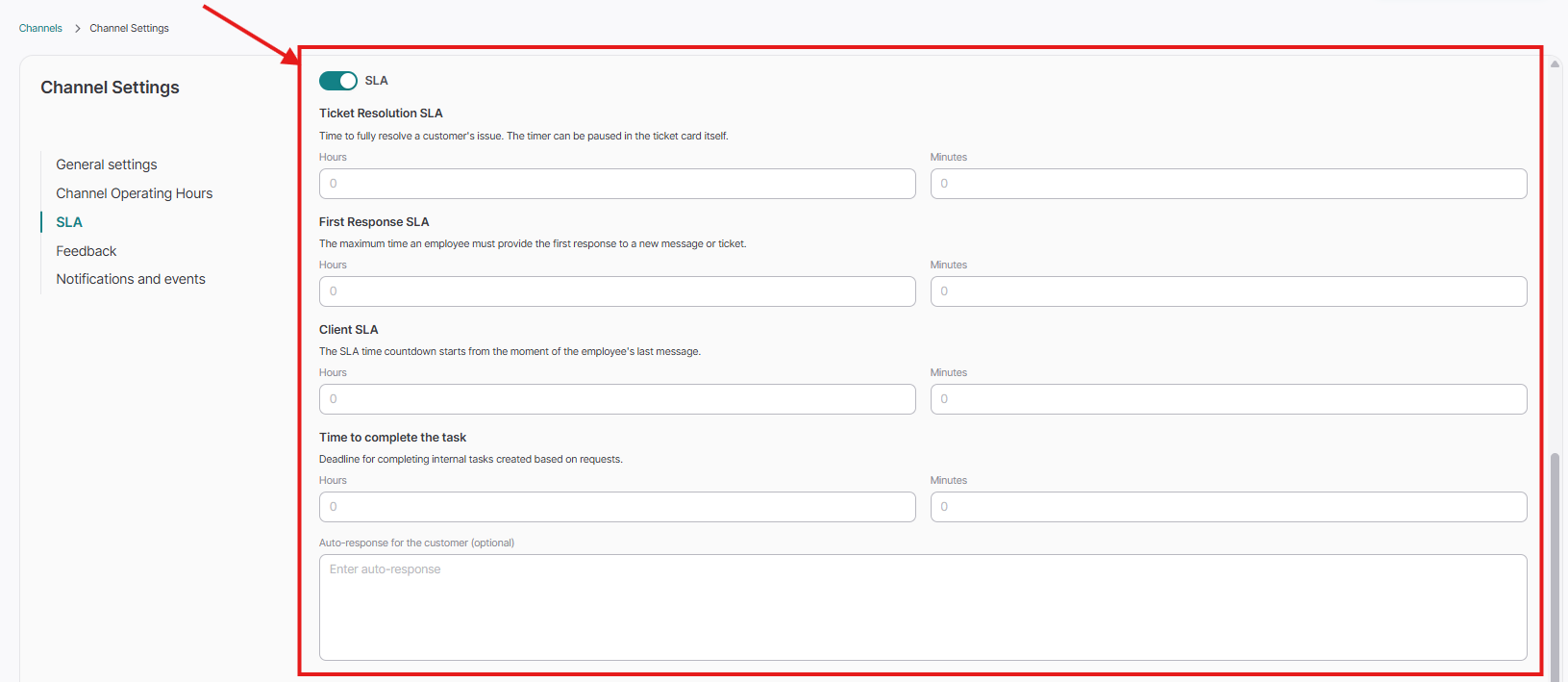
SLA (Service level agreement) is an agreement between a service provider and a client. It describes the list of services provided, response speed, service level, rights and obligations of both parties.
Using an SLA when configuring communication channels in Upservice will allow you to adhere to deadlines when providing responses to clients and not go beyond the timeframes for completing requests.
In order to configure an SLA, you need to connect one of the available communication channels with Upservice. You can read about how to connect a website form, online chat, Telegram bot, WhatsApp, email, Personal account, and External channel to Upservice in the "Contacts and chats" section.
After connecting the required communication channel, go to the "Channel Settings" tab in the "Contacts" section and select the communication channel where you want to configure the SLA:
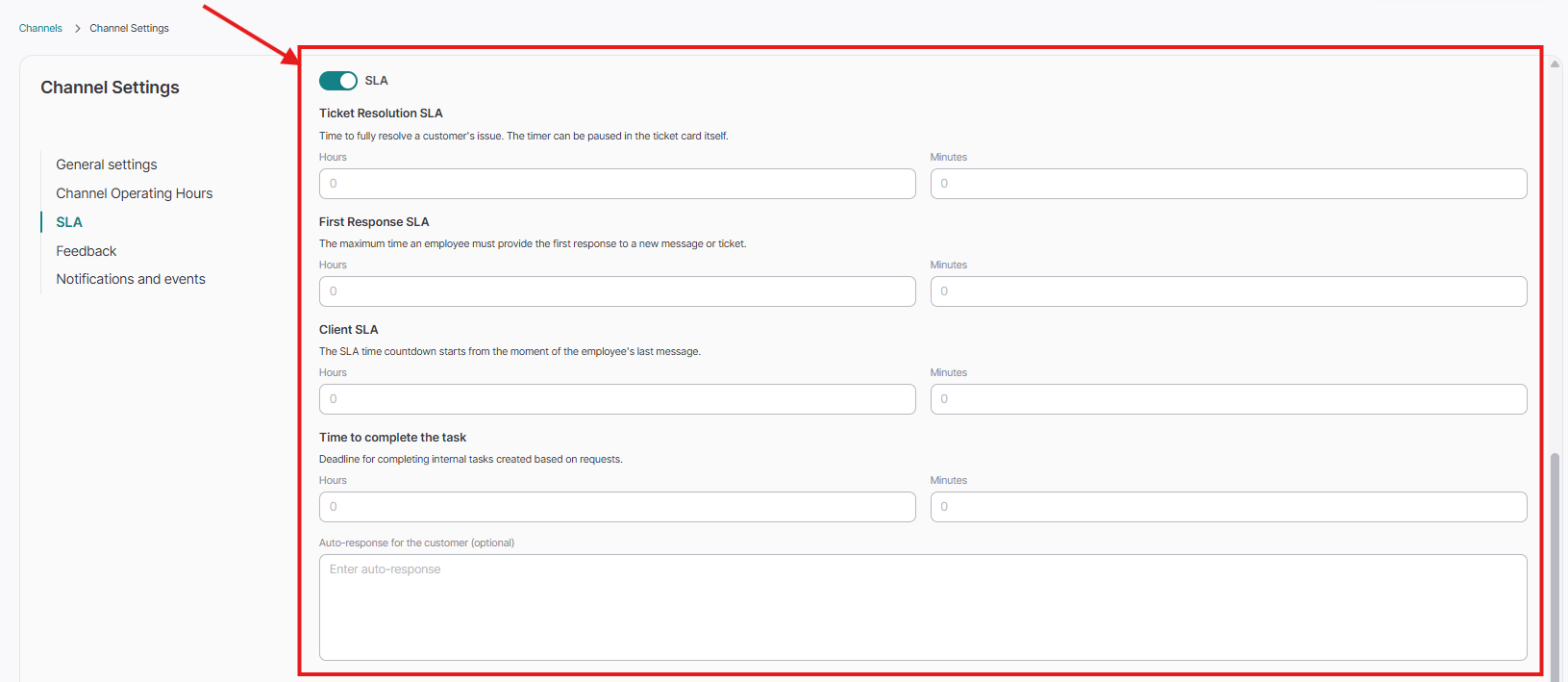
Scroll down the communication channel settings to the "SLA" toggle and activate it. The toggle should turn turquoise:
Then in the "Operator's SLA" and "Assignee's SLA" blocks (as needed, if you are using tickets), fill in the necessary fields (Hours and Minutes):
Please note: when configuring the SLA, you must specify the SLA for both the channel operator and the assignee. After filling in the SLA, click "Save":
Task based on a client's request:
When you create a task from a client's message in a communication channel where SLA time is set, the fields "Complete by, Contact, SLA tracking object, Channel" in the request will be filled out automatically by the system and cannot be edited (this is done so that employees do not violate deadline obligations to clients):
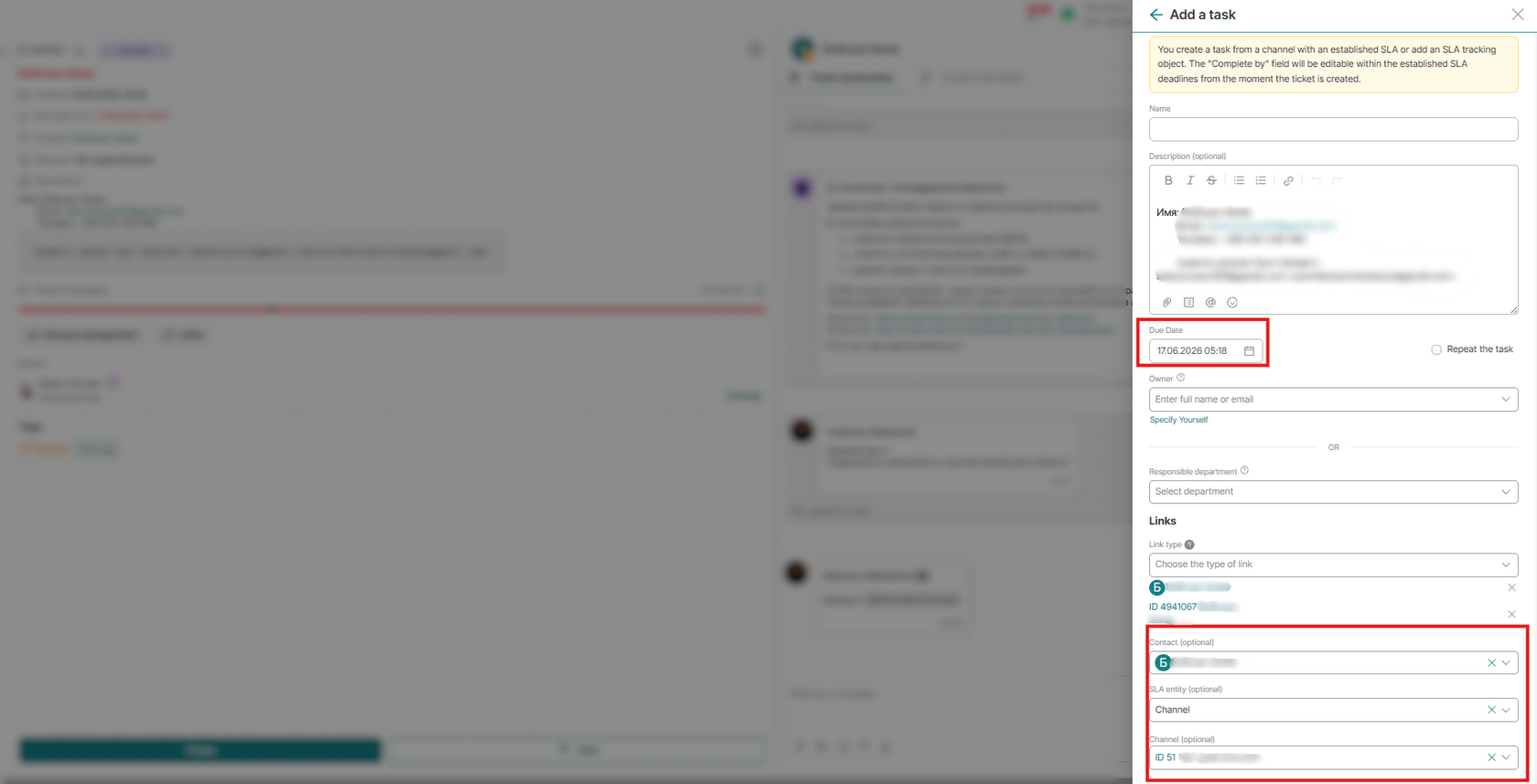
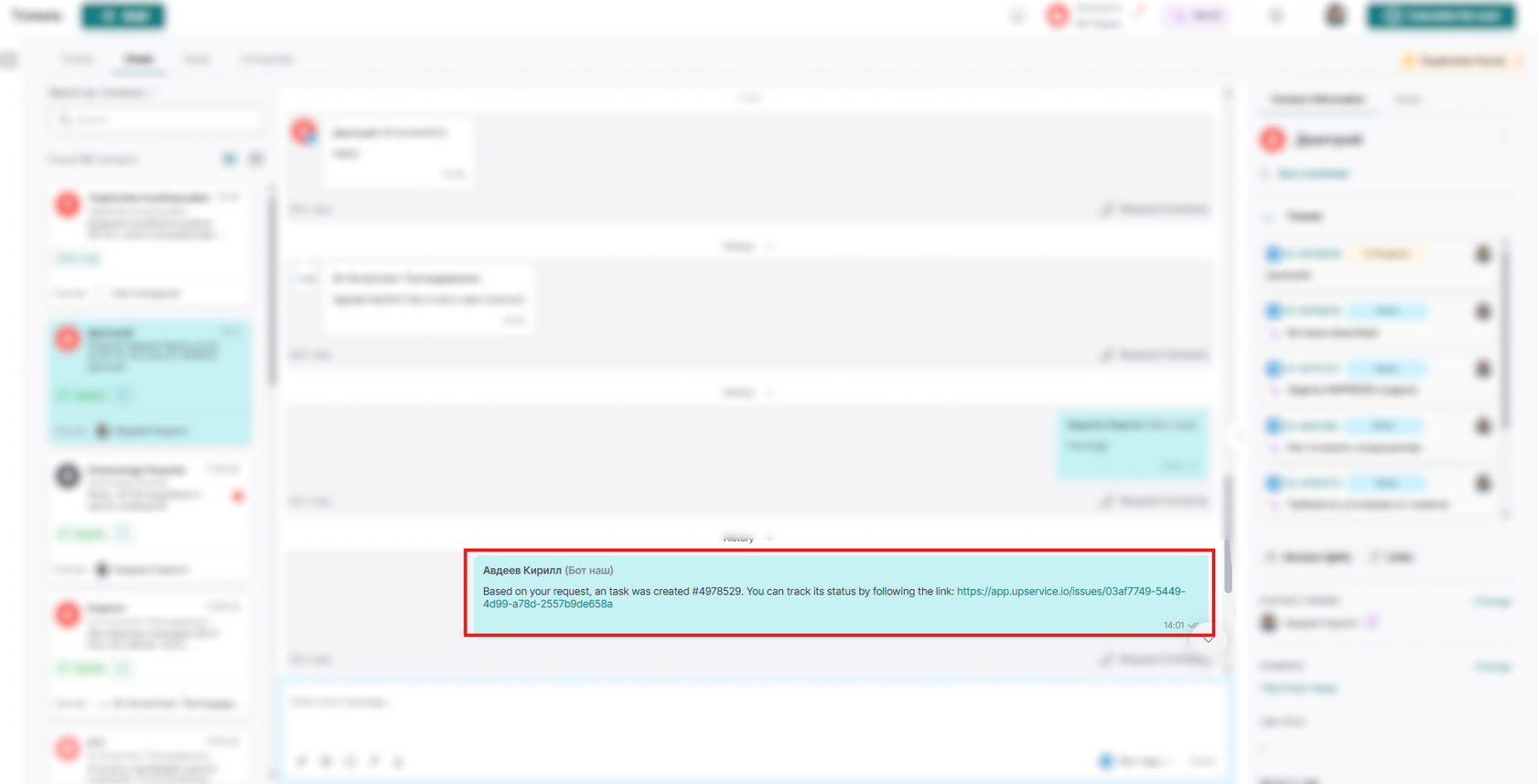
Your client will be able to track the progress of their request. Upservice will send them a link to the request in the communication channel through which the client contacted the company, and will notify them about the progress of work on it (in progress, completed, or rejected). If the request was created by an operator and not from a client's message, the notification will be sent to the client's email, or if no email is specified, via SMS to the client's phone number.
It is also possible to add the SLA function when creating a record in the Directory:
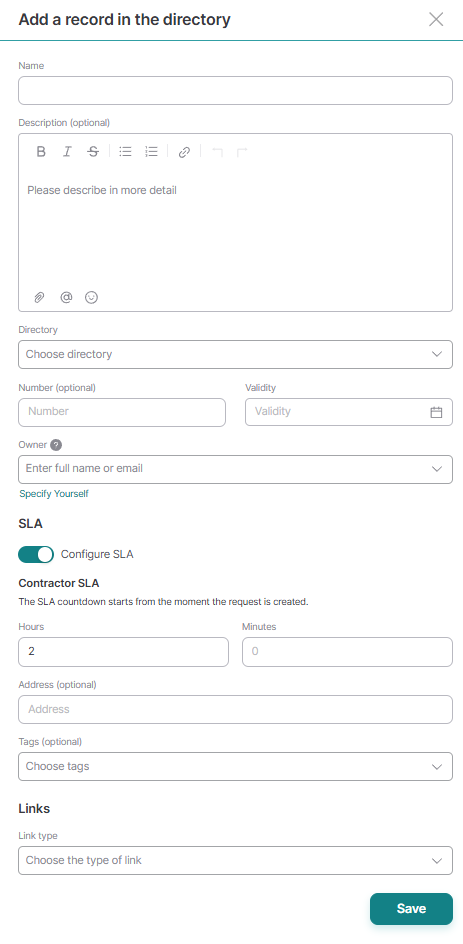
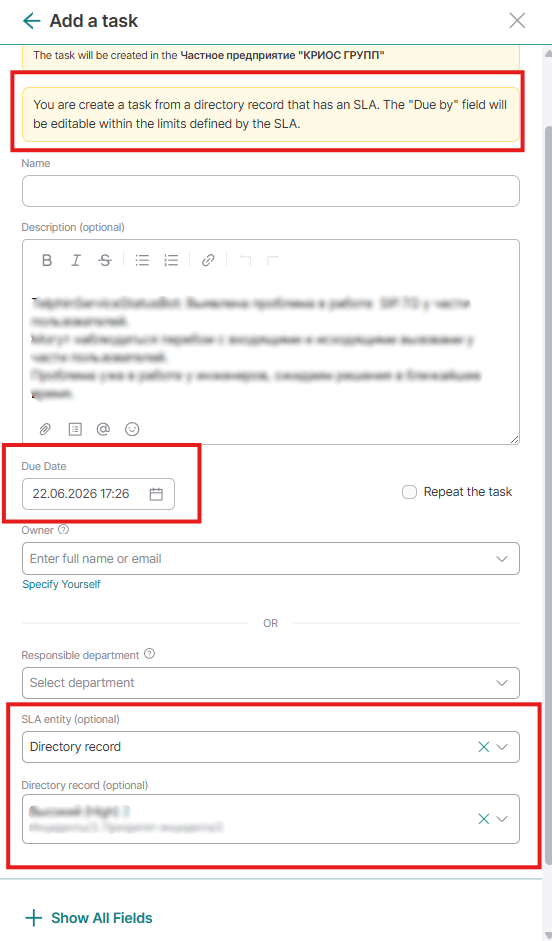
Adding the SLA function in the directory is convenient for subsequently keeping track of the number of requests, for example, that come into your channels. Thus, when linking a request to a directory record that has an SLA set, the SLA will automatically be pulled into the request.
To do this, when creating a request, you simply need to specify your directory record (where the SLA is indicated) as the SLA tracking object, and the execution deadline will be pulled automatically.
To monitor the quality of request execution according to SLA, the system provides a "Quality of service report (Tasks with SLA)". In it, you can track how many hours your employees were overdue in fulfilling a request and monitor other parameters.