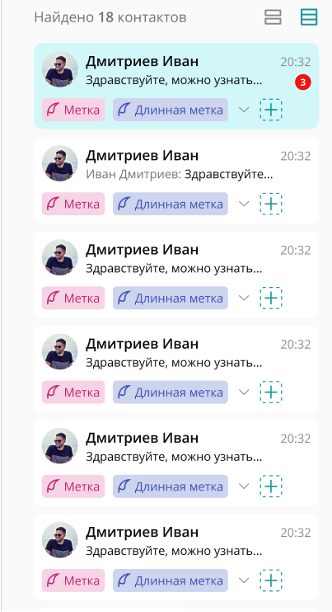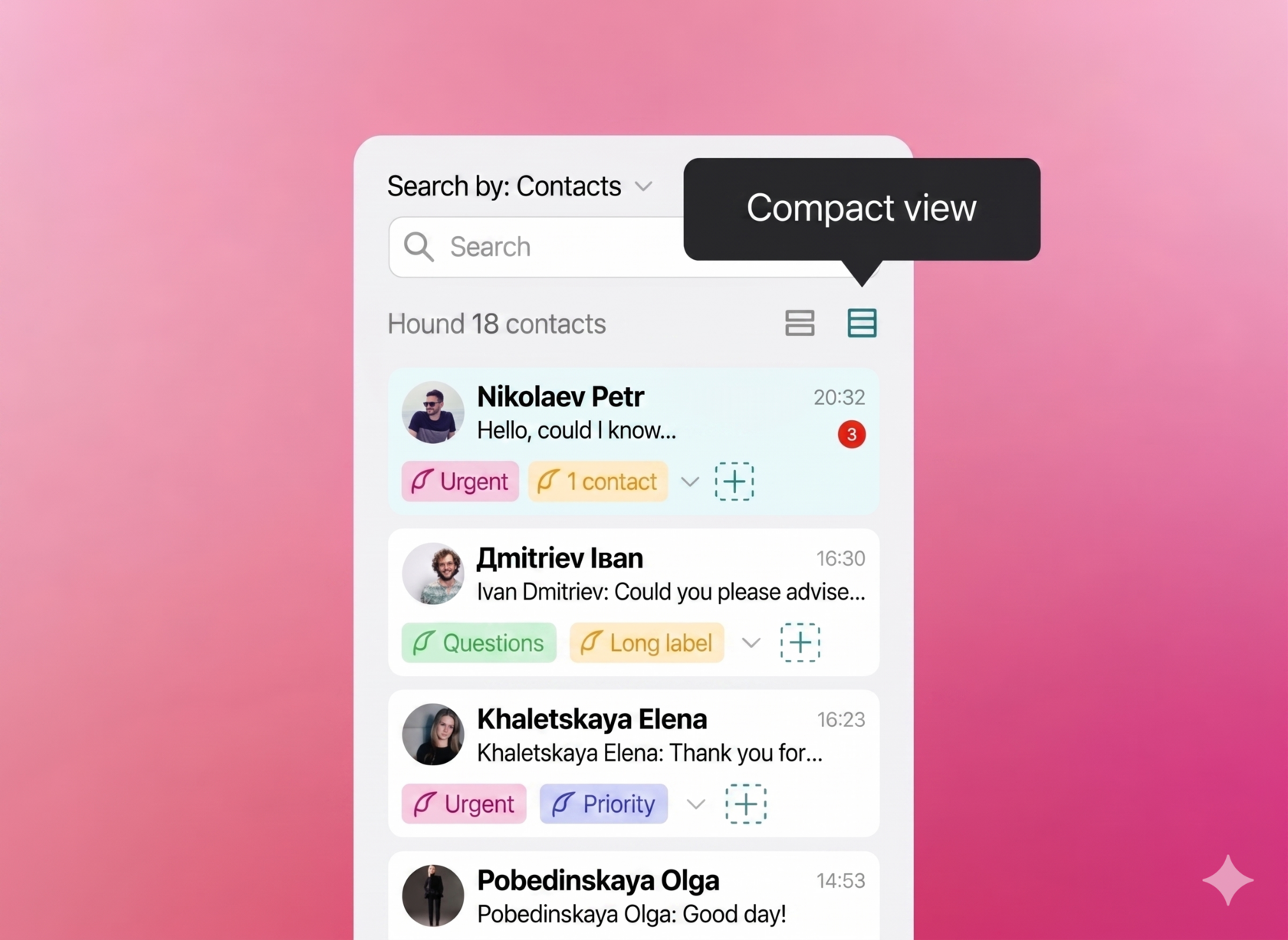
Simplified view of contacts
In the Upservice contacts section, you can switch between full and simplified display views. The simplified view allows you to focus only on the essential contact data and reduce the amount of displayed information.
The system remembers your selected display view so you don't have to configure it again the next time you work with contacts.
How to switch to the simplified contact view
Switching between the full and simplified views is done directly in the contacts section.
To enable the simplified contact view:
- Open the contacts section in Upservice.
- Find the contact display view toggle.
- Turn on the simplified view.
The contact list will refresh and display in a more compact format. If necessary, you can return to the full view using the exact same toggle.