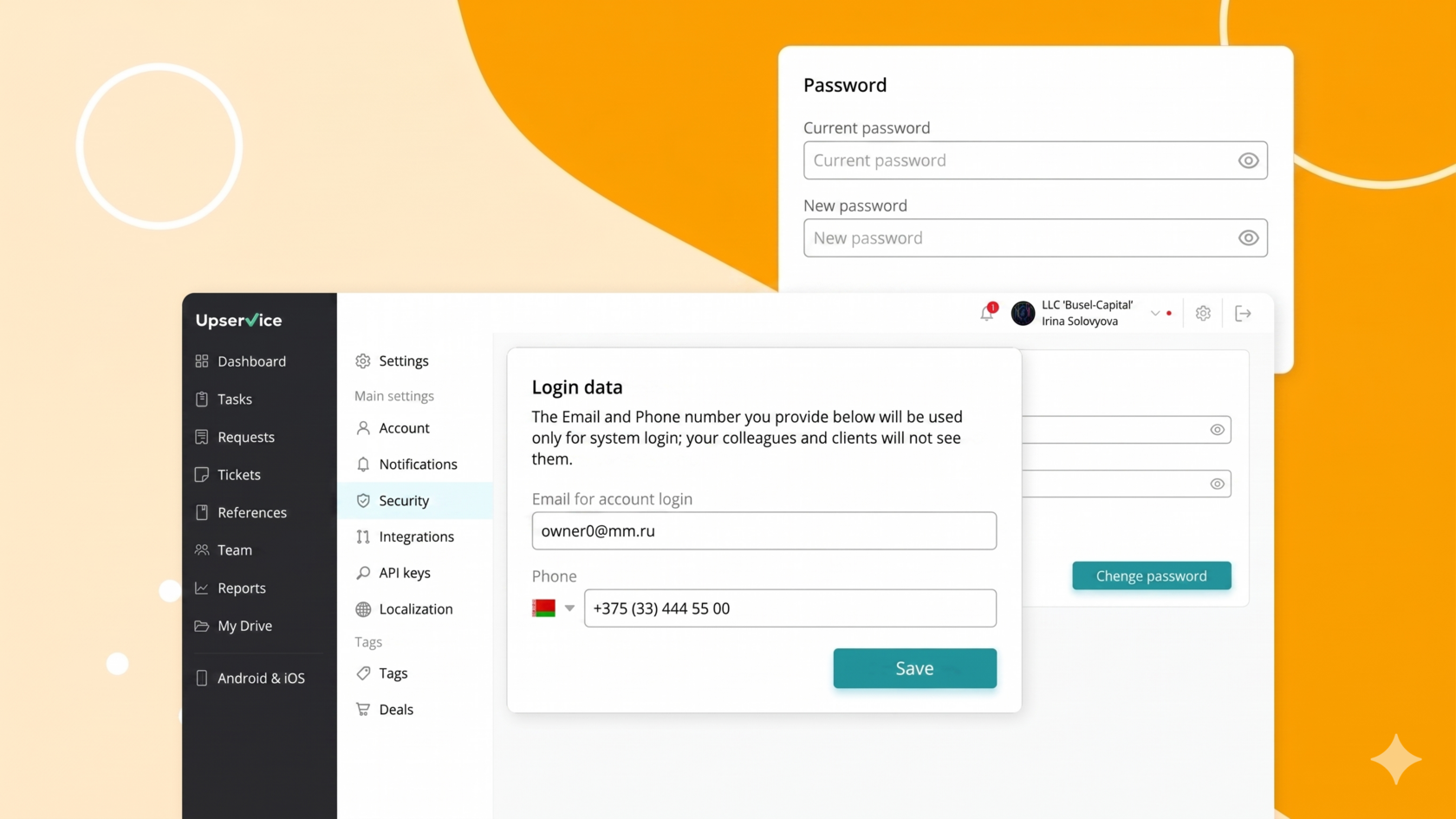
Security settings allow you to manage key login credentials. Here you can change your username, update your password, and provide additional security for your account. We recommend regularly reviewing and updating these settings to ensure the security of your data.
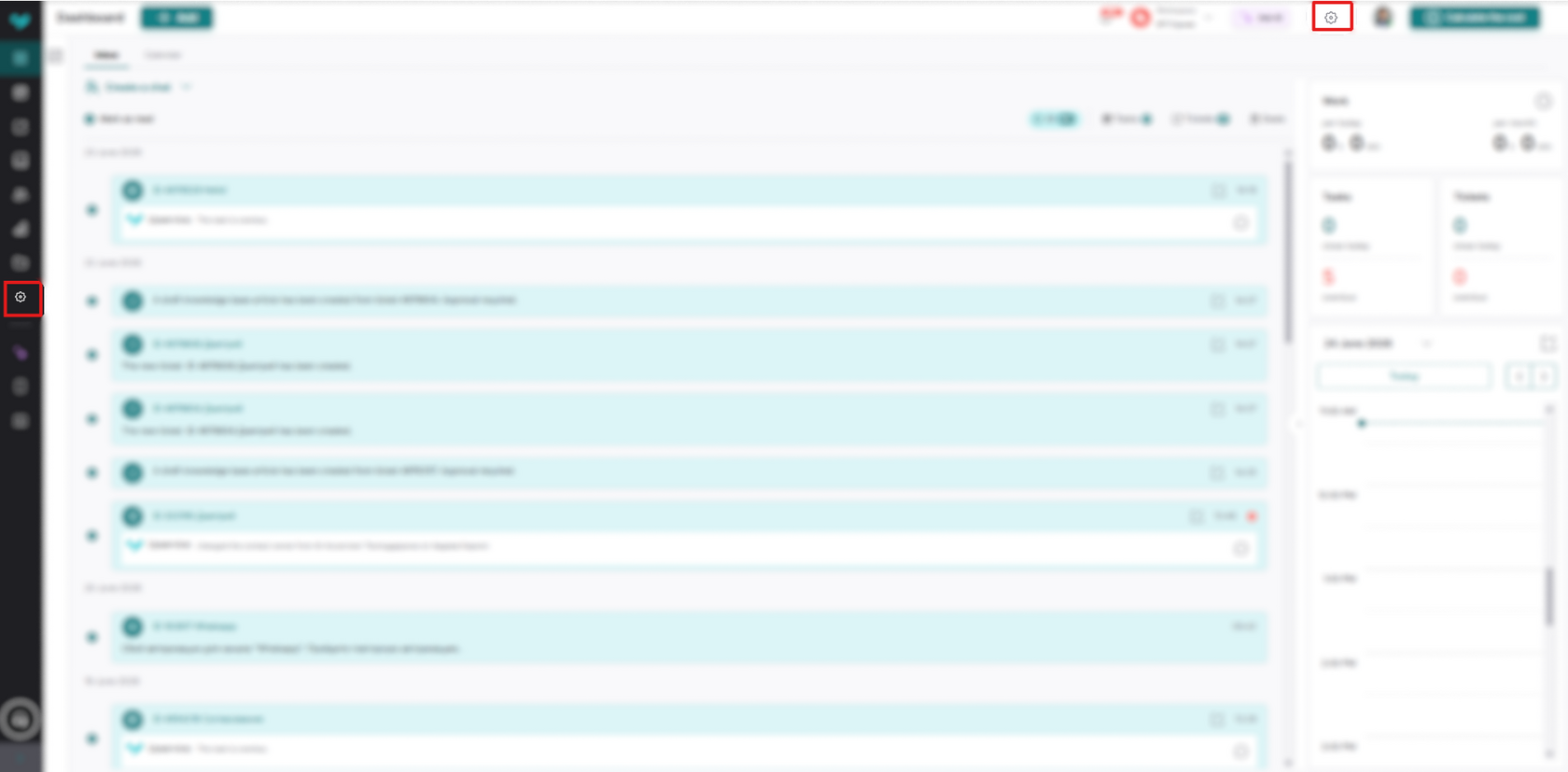
To access your security settings, simply click the gear icon in the upper right corner next to your company name:
Next, click "Security":
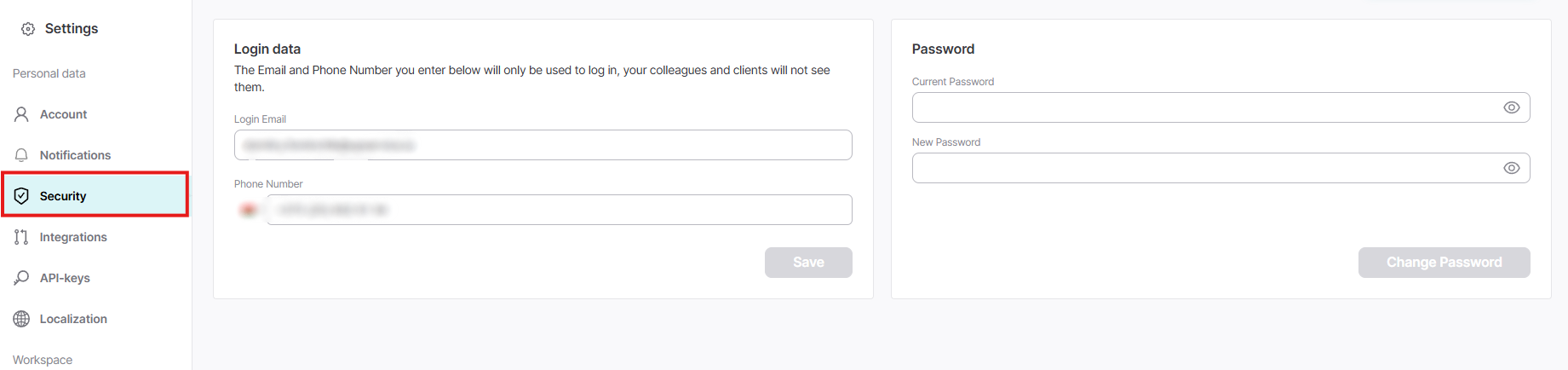
In this section, you can change your login information, namely your email address for logging into your account, your phone number, and in this section you can also change your password.
If you have any questions, please contact our Support Team and we'll be happy to answer your question!
If you have any questions, please contact our Support Team and we'll be happy to answer your question!