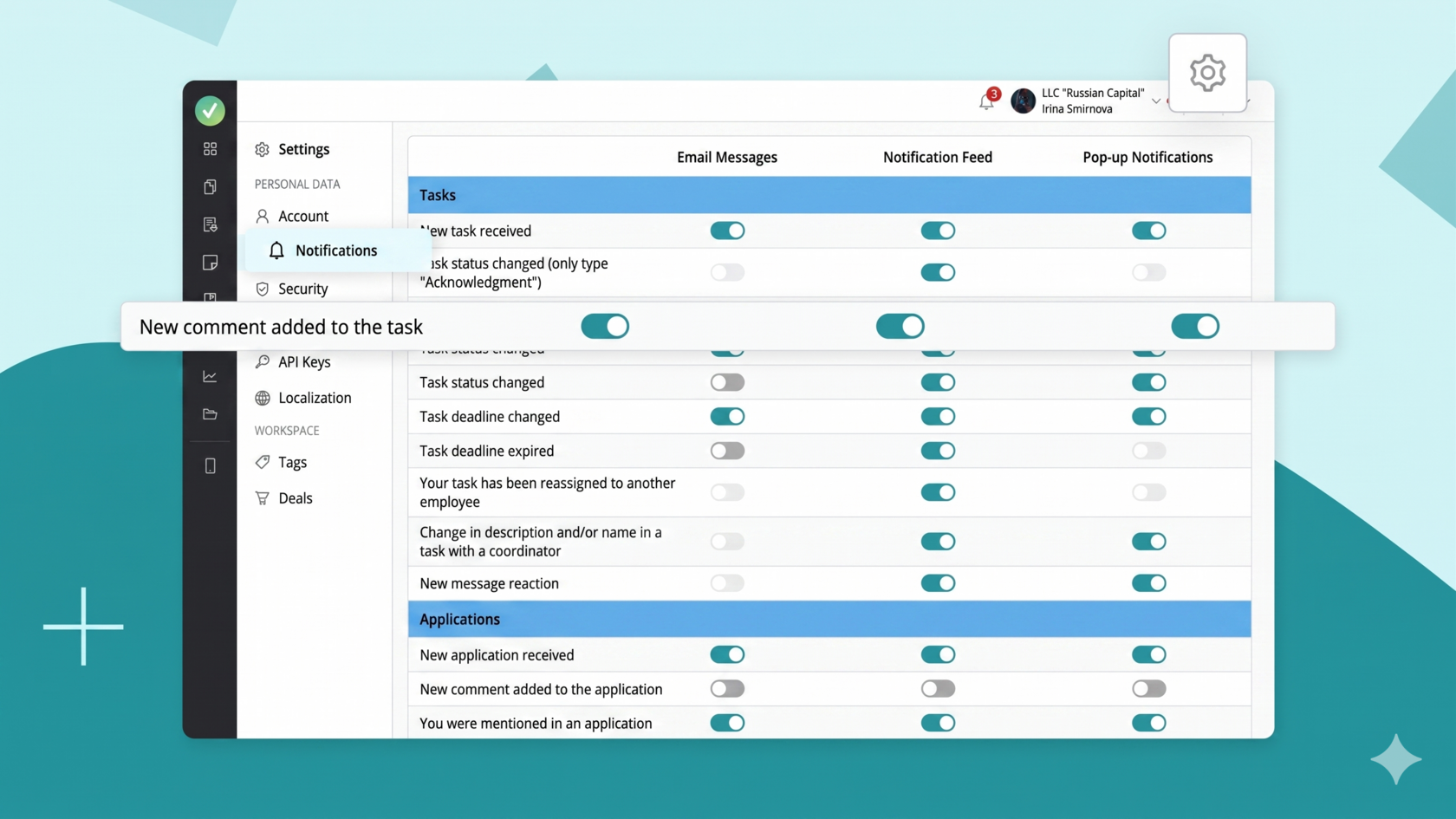
In the "Notification Settings" section, you can customize which notifications you want to receive across different sections of the system. This allows you to customize the system by disabling unnecessary notifications and only displaying those that are truly important. This way, you'll receive only relevant and useful information without being distracted by unnecessary information.
To access notification settings, simply click the gear icon in the upper right corner next to your company name:
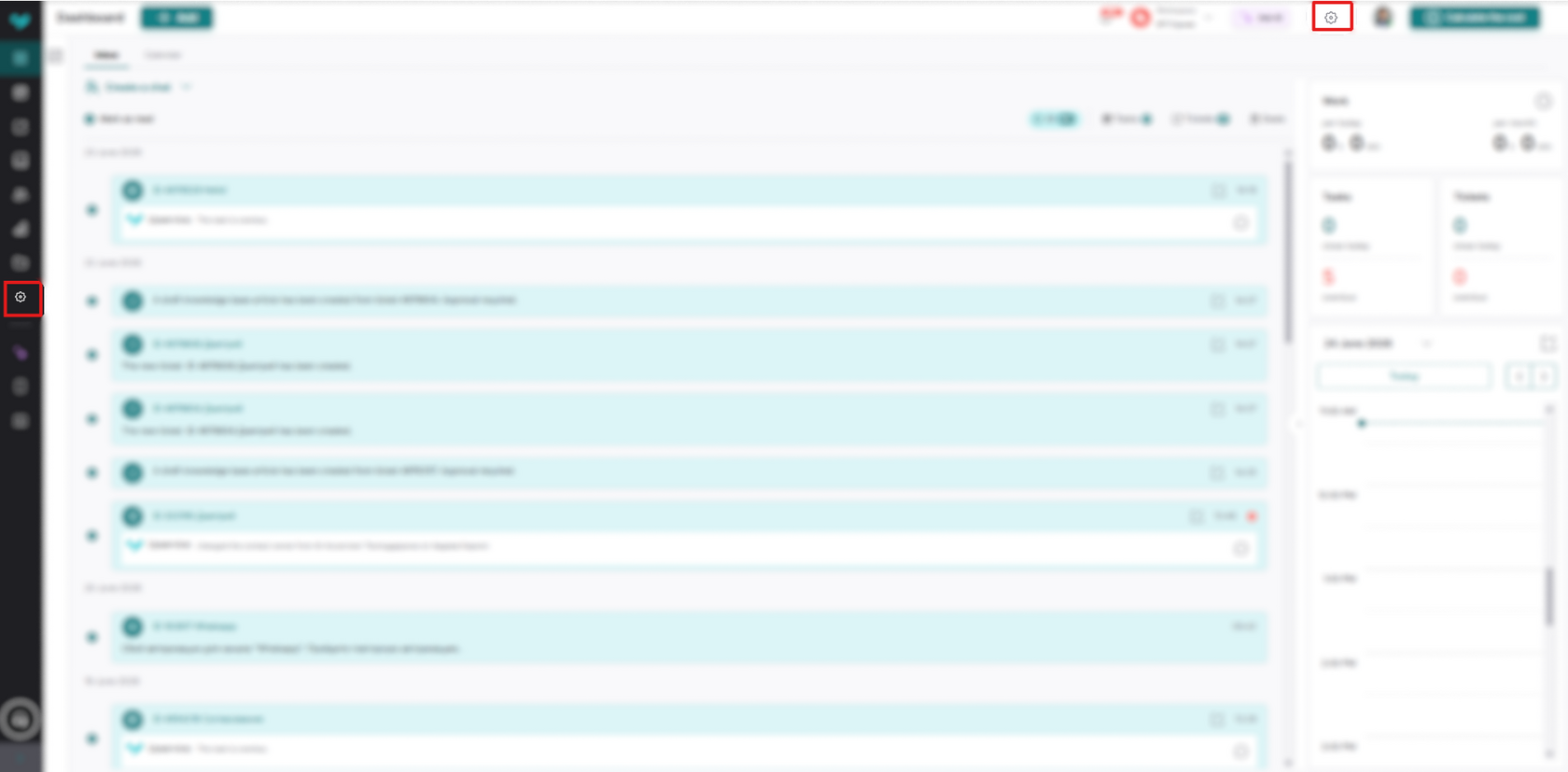
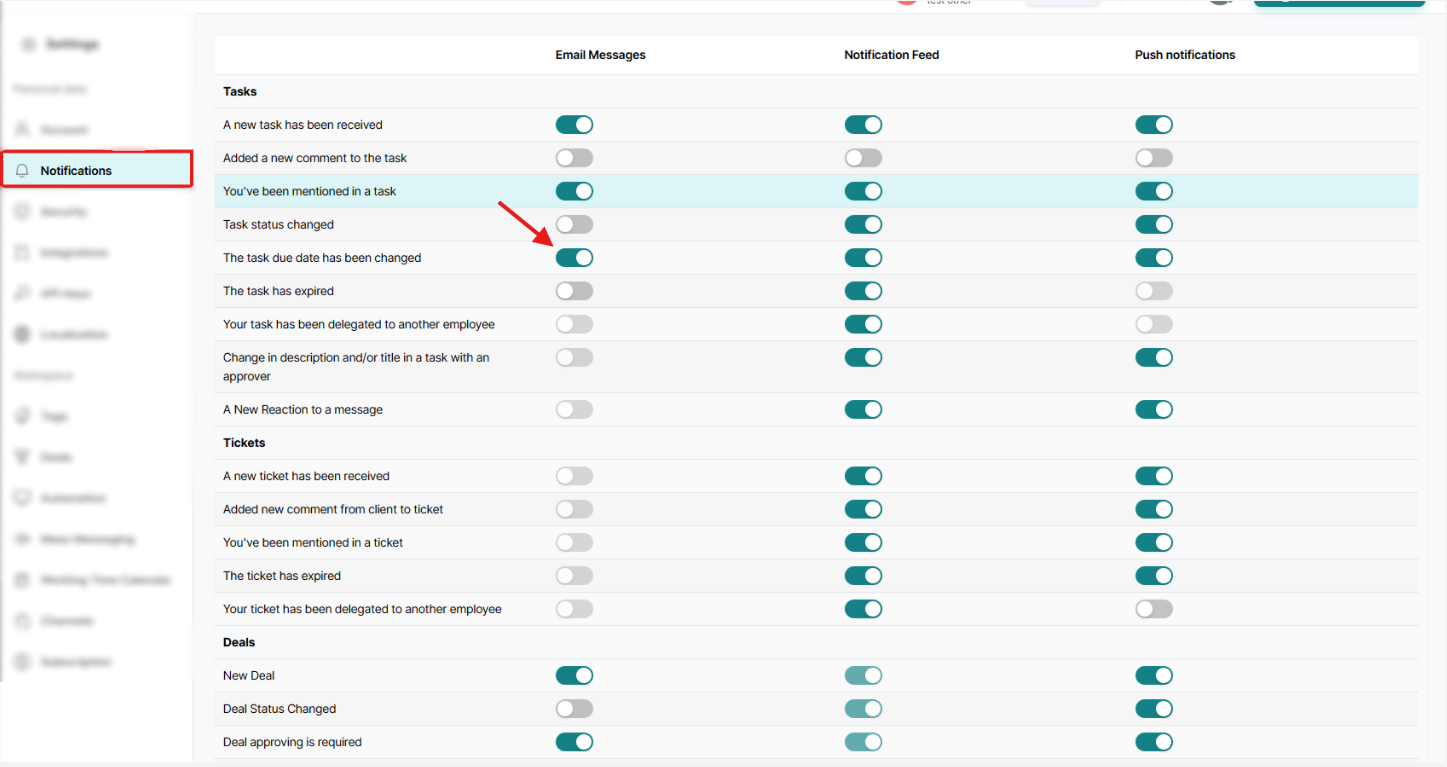
Next, click Notifications:
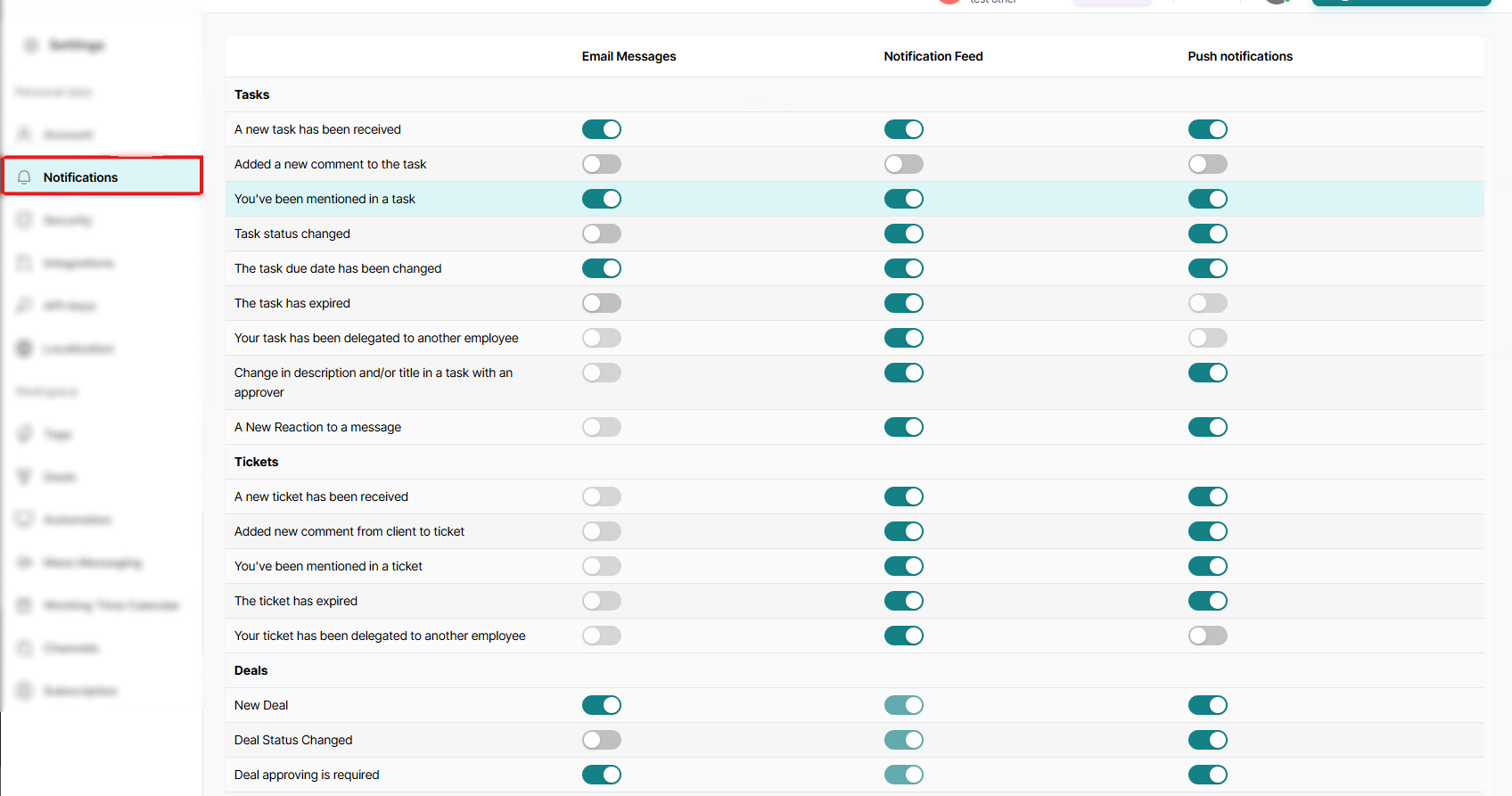
This is how you got to the Notifications section. Here you can edit notifications in all sections where they appear, to suit your needs.
You can also configure the receipt of notifications to you in different formats, namely:
You can also configure the receipt of notifications to you in different formats, namely:
- - Email messages: these notifications will be sent to your email address linked in the settings;
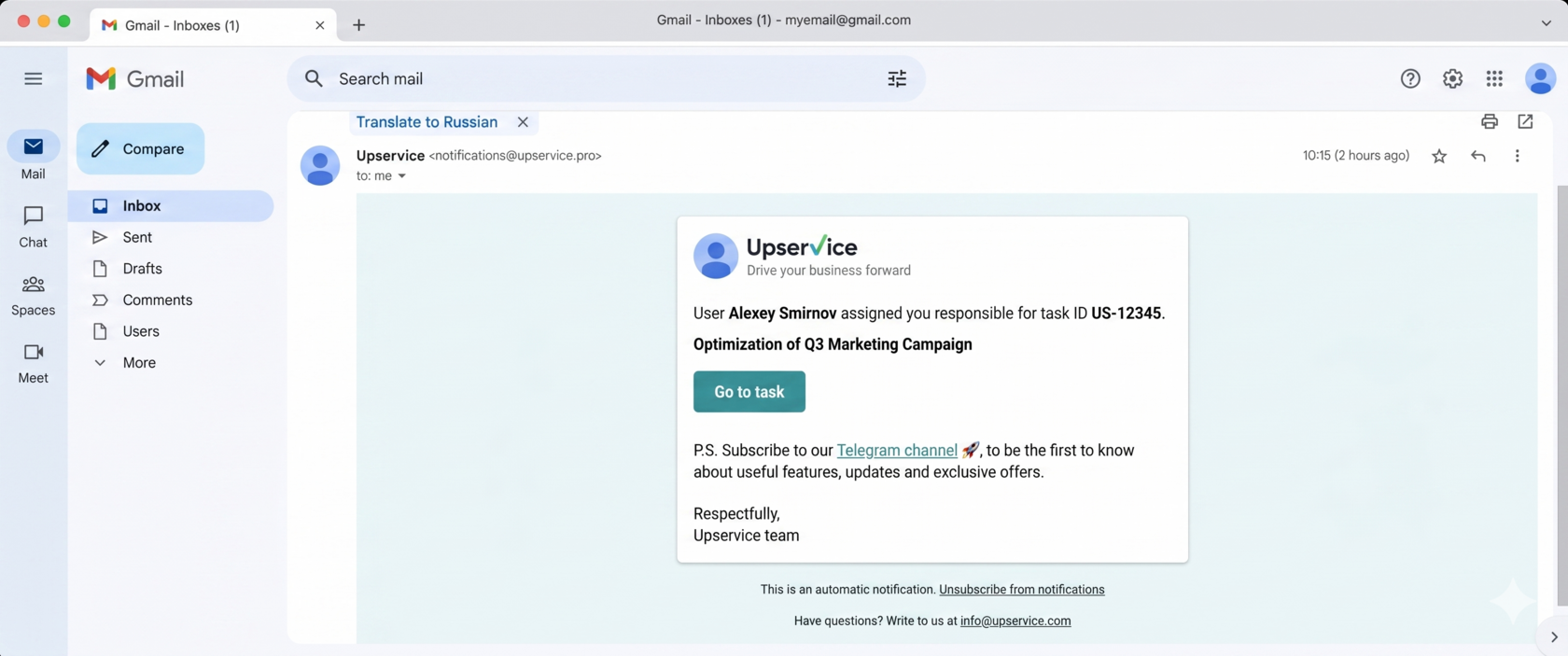
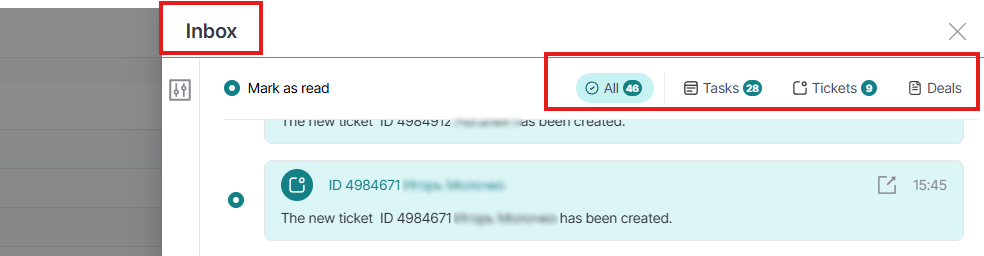
- Notification feed: these notifications will be added to your notifications in the service itself in the bell;
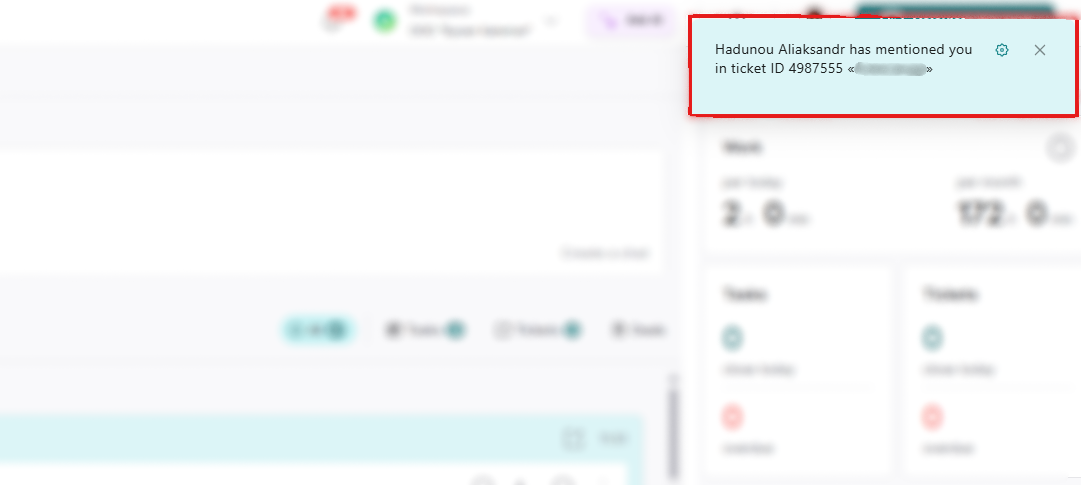
- Pop-up notifications: notifications that appear while you are working in the system:
To turn the notification you need on or off, simply drag the toggle to the desired On/Off position:
This way you can customize notifications for your work.