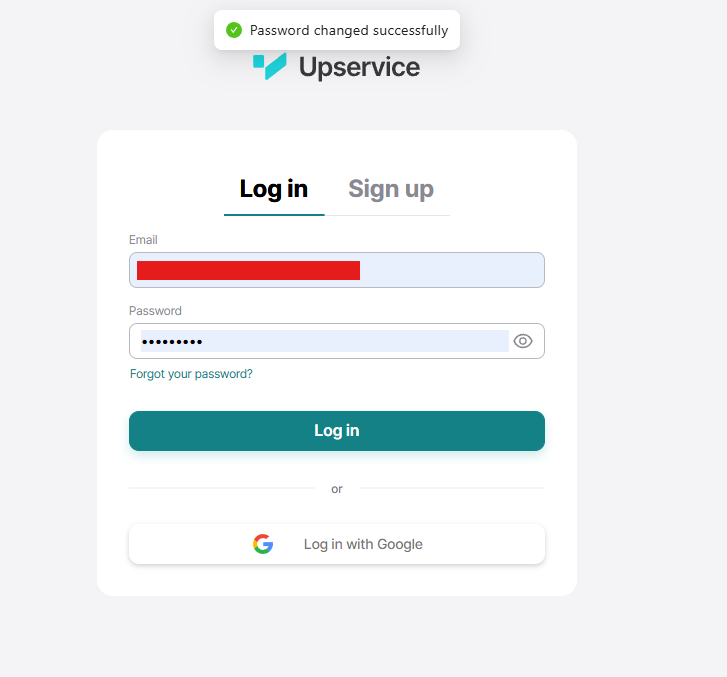
Please note: After changing your password, Upservice will redirect you to the login page for your personal account.
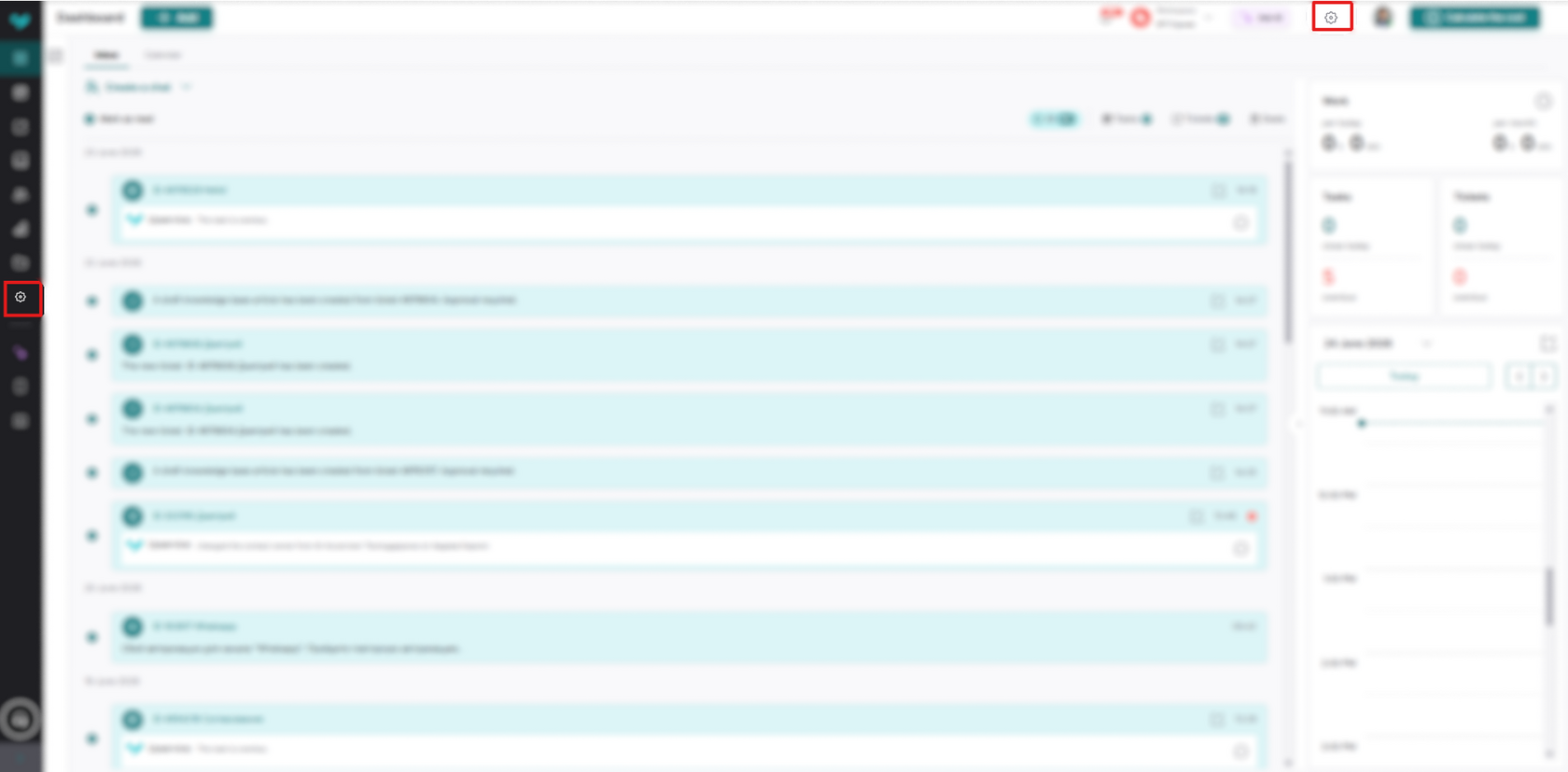
To change your personal account password, go to "Account Settings." To do this, click the gear icon in the upper right corner:
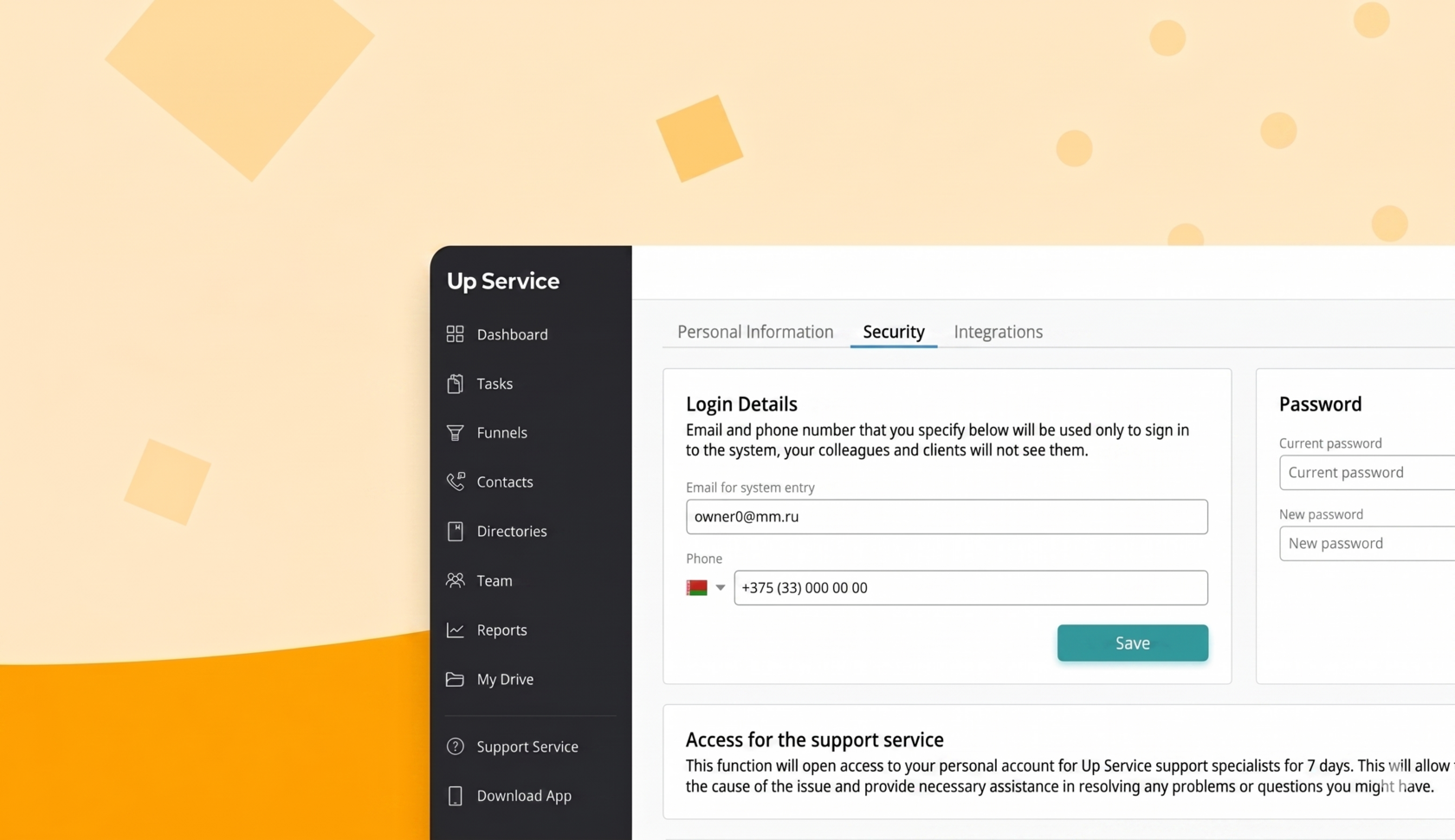
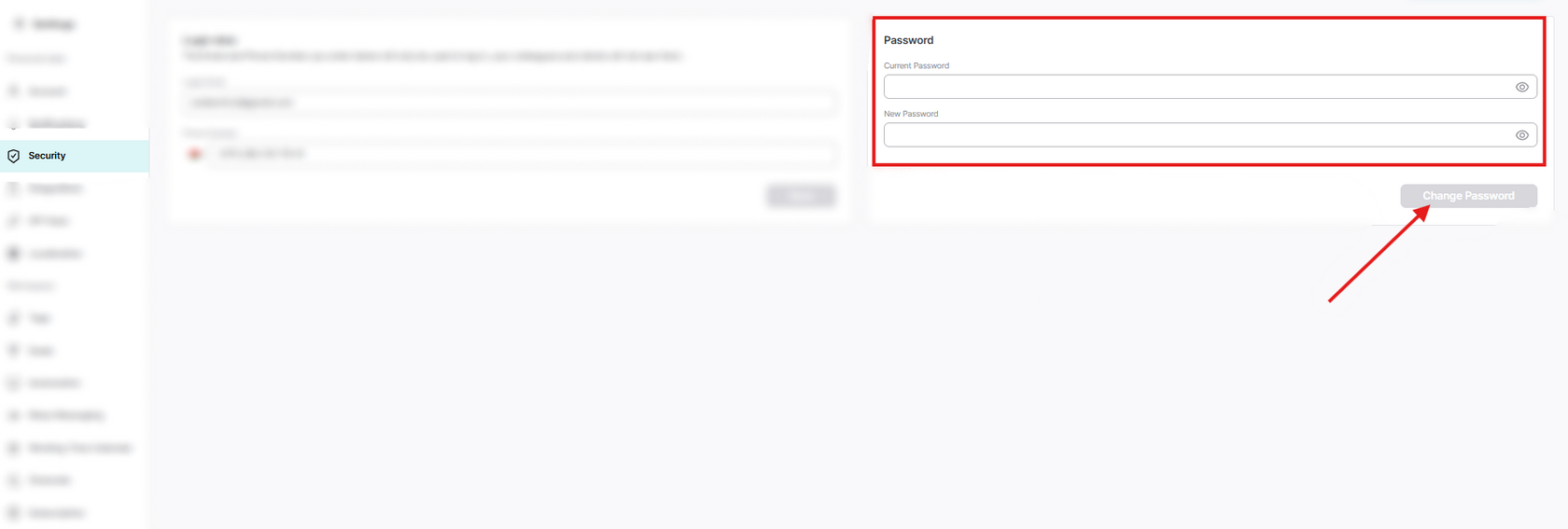
Switch to the "Security" tab. Fill in the "Current Password" and "New Password" fields. Then click the "Change Password" button.
After this, the system will redirect you to the personal account login page. All that's left to do is enter a new password and continue using Upservice.