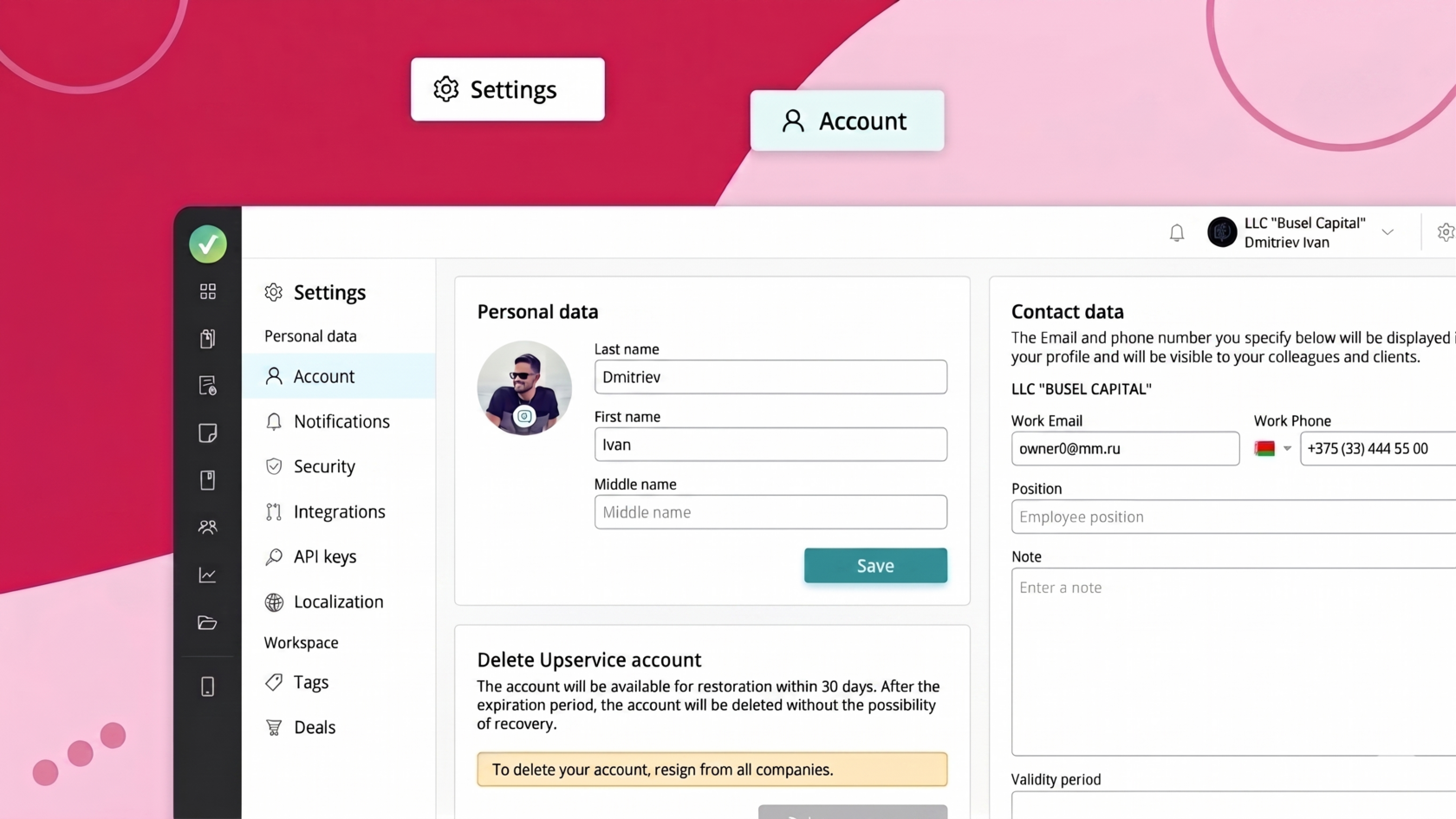
Account settings allow the user to change personal information, such as name, email address, and phone number, to keep their data current and ensure the service functions correctly.
To access your account settings, simply click the gear icon in the upper right corner next to your company name:
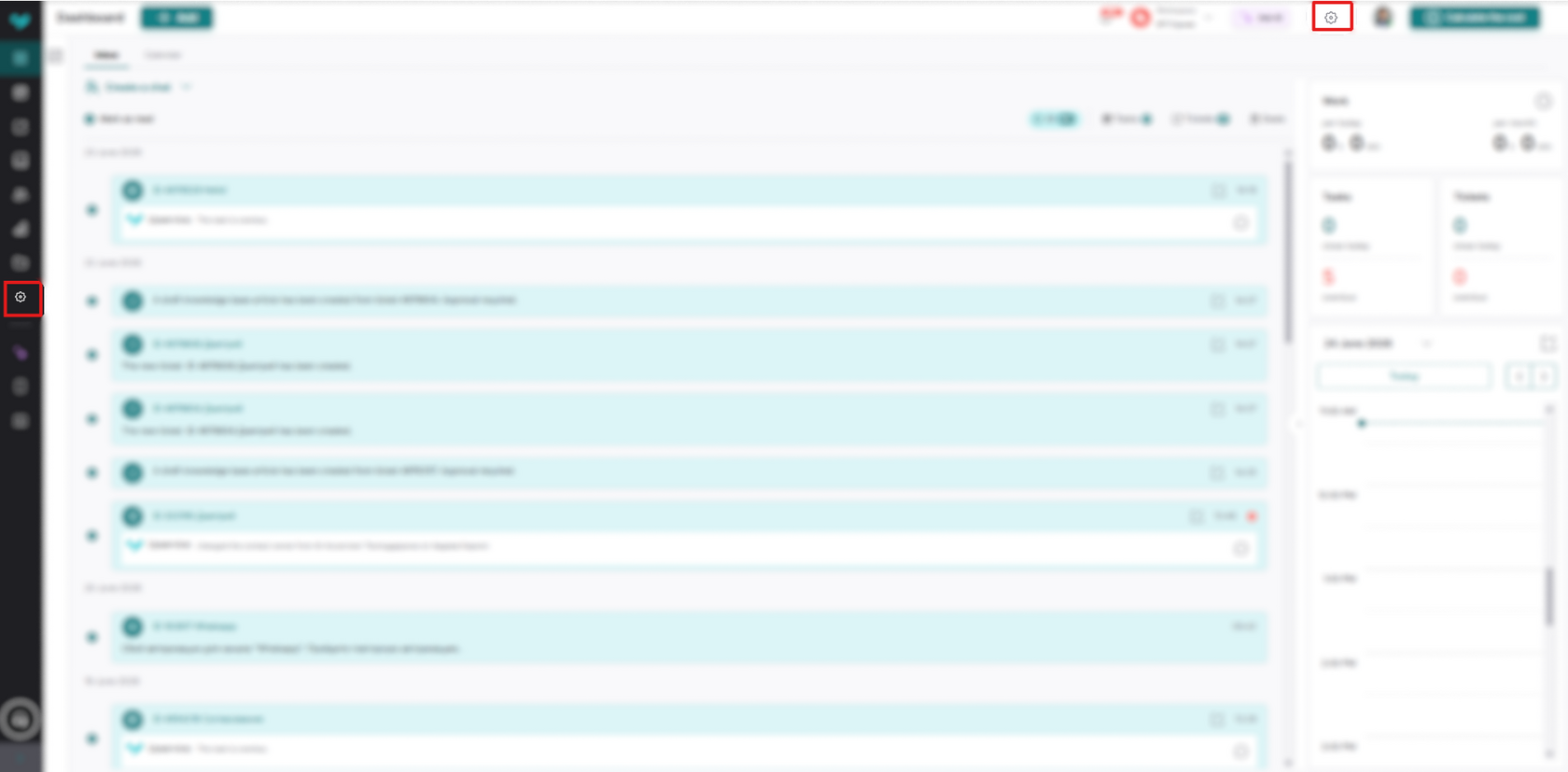
By clicking this gear, you will immediately see your account settings, where you can do the following:
- Change your personal information (full name);
- Change contact information (Email, phone number);
- Also delete the account if necessary
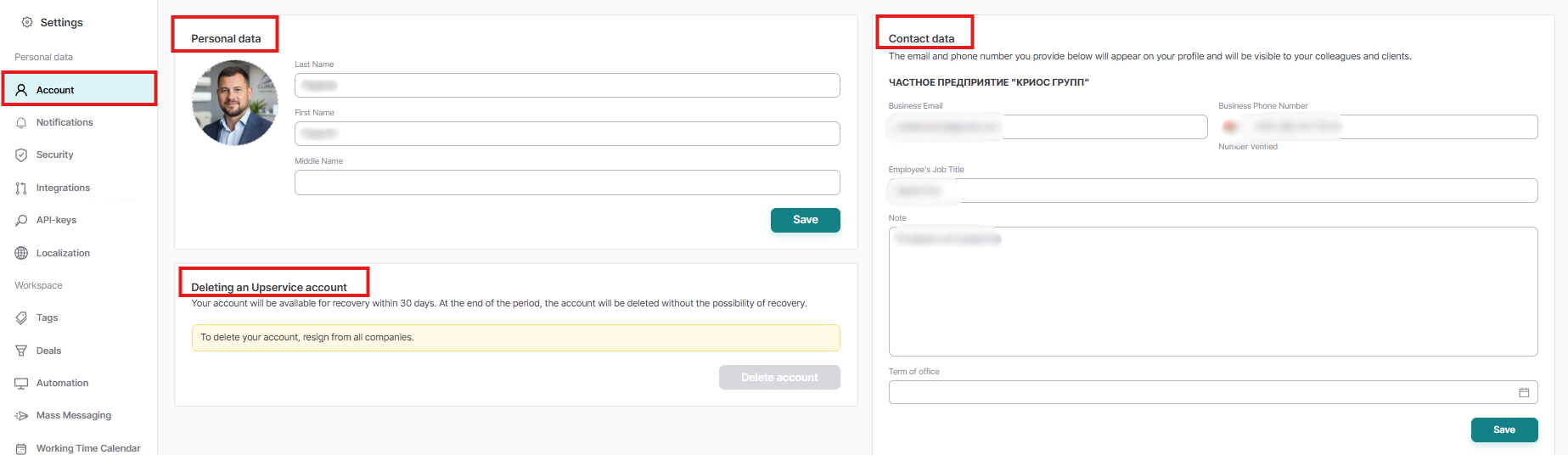
You can also change Contact Information for other workspaces in this space if you have them in your system